Booking API: Creating a Personal Access Token (PAT)
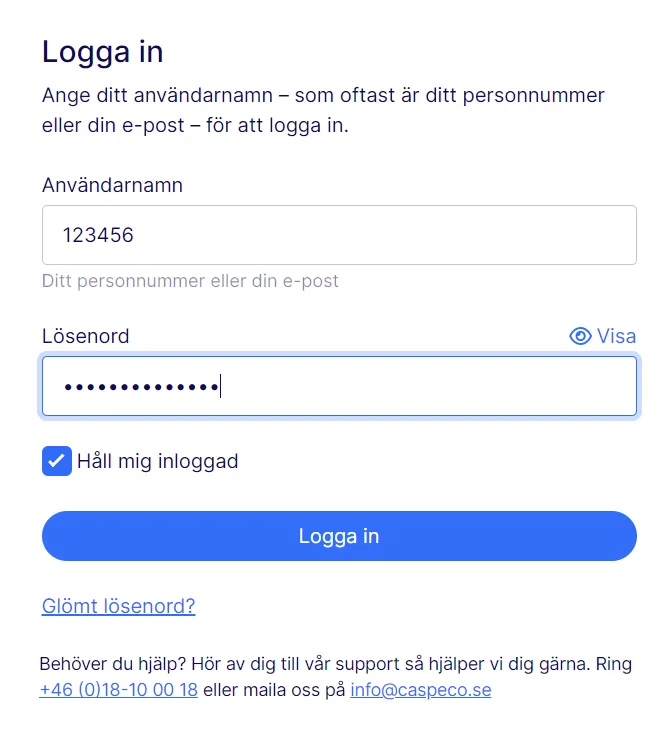
- Go to the following page to create your PAT. You will need to log in with the account you received from Caspeco.
-
Here you will have the opportunity to create a Personal Access Token. Give a descriptive name (shortname) describing what it will be used for (eg which server), and do not forget to set the maximum possible Expiration time for the token that will be used in Production. Preferably create separate PATs for testing/staging environments, possibly with shorter expiration time so that your live Access Token does not run the risk of being spread. Press Create New to create.
-
You will then see your new Access Token, see example below. This is the only time you will see your access token in plain text, so remember to store it away in a safe place. If you lose it, you need to create a new one:
This is your Personal Access Token (PAT). It will only be shown once:ProductionServer-2020-01-14-2088-01-13--abc123abc123abc123abc123abc123abc123abc123abc123abc123abc123abc1This PAT consists of these parts:
- Token short name - In this case “ProductionServer”. A text describing what this token should be used for.
- Creation date - The date this access token was created, in this case “2020-01-14”.
- Expiration date - When this access token expires, in this case “2088-01-13”.
- Access Token - The actual access token used for authentication, in this case “abc123abc123….”.
It is possible to remove everything except the last part of the PAT when it is to be used, it will still work. However, it is a bad idea and should not be done, as you then lose trackability in your token and will find it harder to see what it applies to and is created/expires, which is good to know for troubleshooting purposes. You are therefore recommended to always keep the entire string when using your Personal Access Token.
-
On the same page, you can then list all your previously created Access Tokens, and also remove/disable tokens that you suspect may have leaked to unauthorized persons. If you disable a token, it becomes permanently unusable, and you need to create a new one.
🚧 Note
Currently there is a limitation that the PAT needs to be generated from a client computer with a locale set to the date format YYYY-MM-DD. You can check this be verifying that the date portions in the PAT has the same format as in the example above.